
Binance Wallet Prediction Markets: A Step-by-Step Guide
Use the original visual and interactive walkthrough to understand access, order steps, settlement rules and the risks that matter before taking a position.
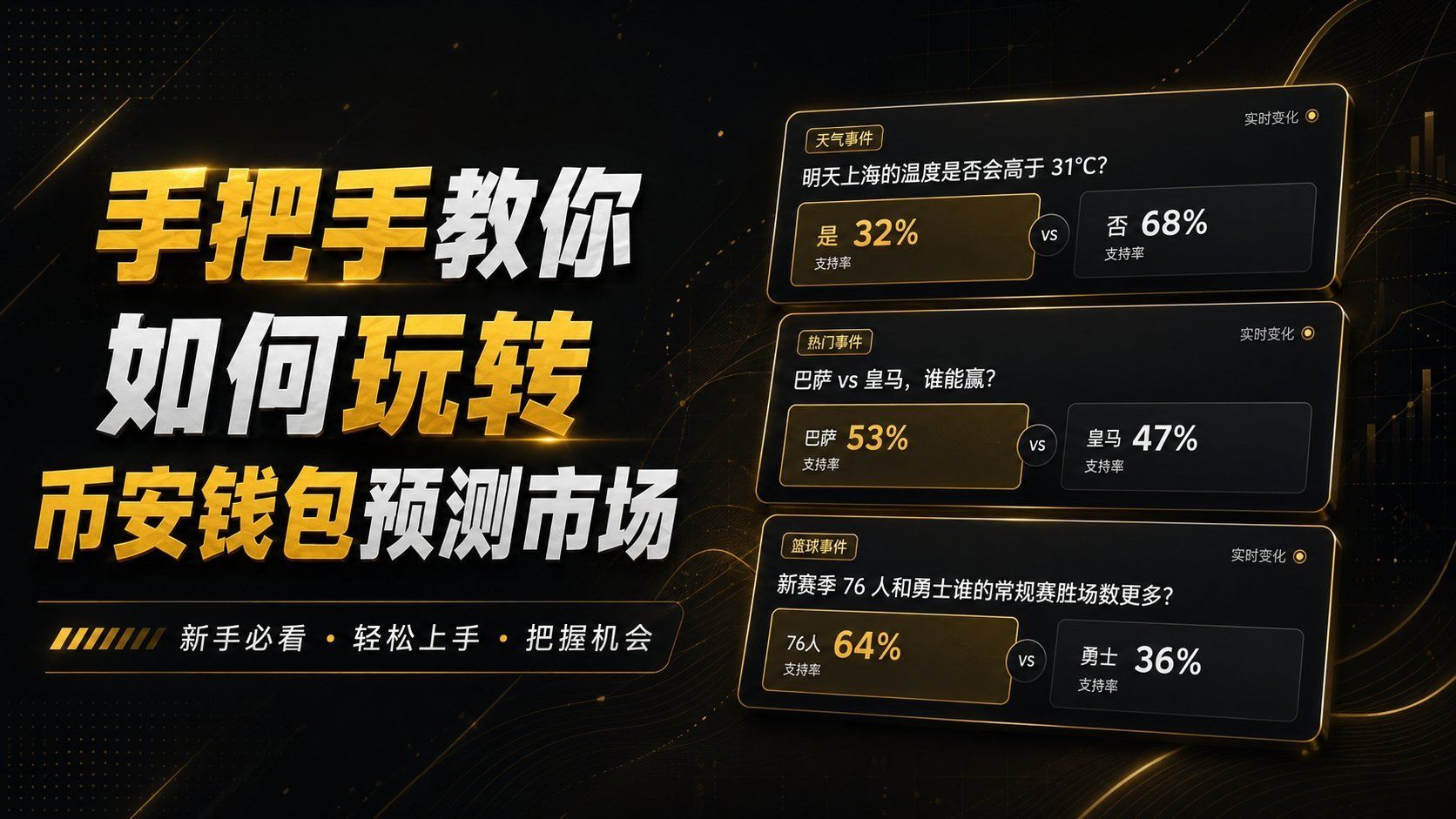
Before you begin
Update the Binance app and check whether Prediction Markets are available for your account and region. In the current official flow, open the Exchange view, choose Markets, then open the Prediction tab. If the tab is absent, do not try to bypass a regional or account restriction.
Set up and fund the Prediction Account
The first order may prompt you to create a dedicated Prediction Account linked to Binance Wallet. Review every prompt before transferring USDT from an eligible Spot or Funding Account, and start with an amount you can afford to lose.
Review the market and place an order
Open an event, read the exact outcome wording and resolution source, then choose YES or NO. Check whether you are using a market or limit order, the amount, estimated payout and any unfilled quantity before confirming.
Understand resolution and loss risk
Prediction shares are speculative positions, not guaranteed returns. A winning share may pay according to the market rules while a losing share can become worthless. Availability, fees, settlement sources and product rules can change, so verify the current in-app terms for every event.